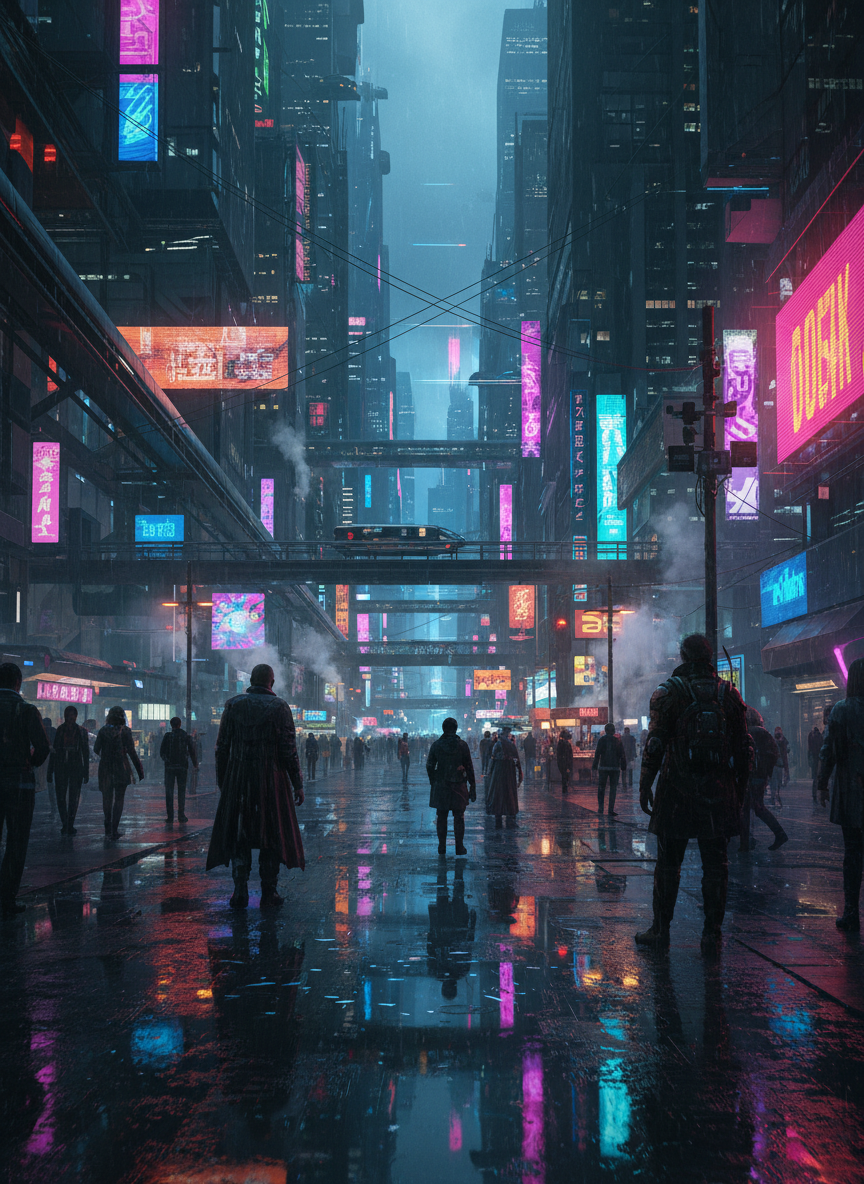
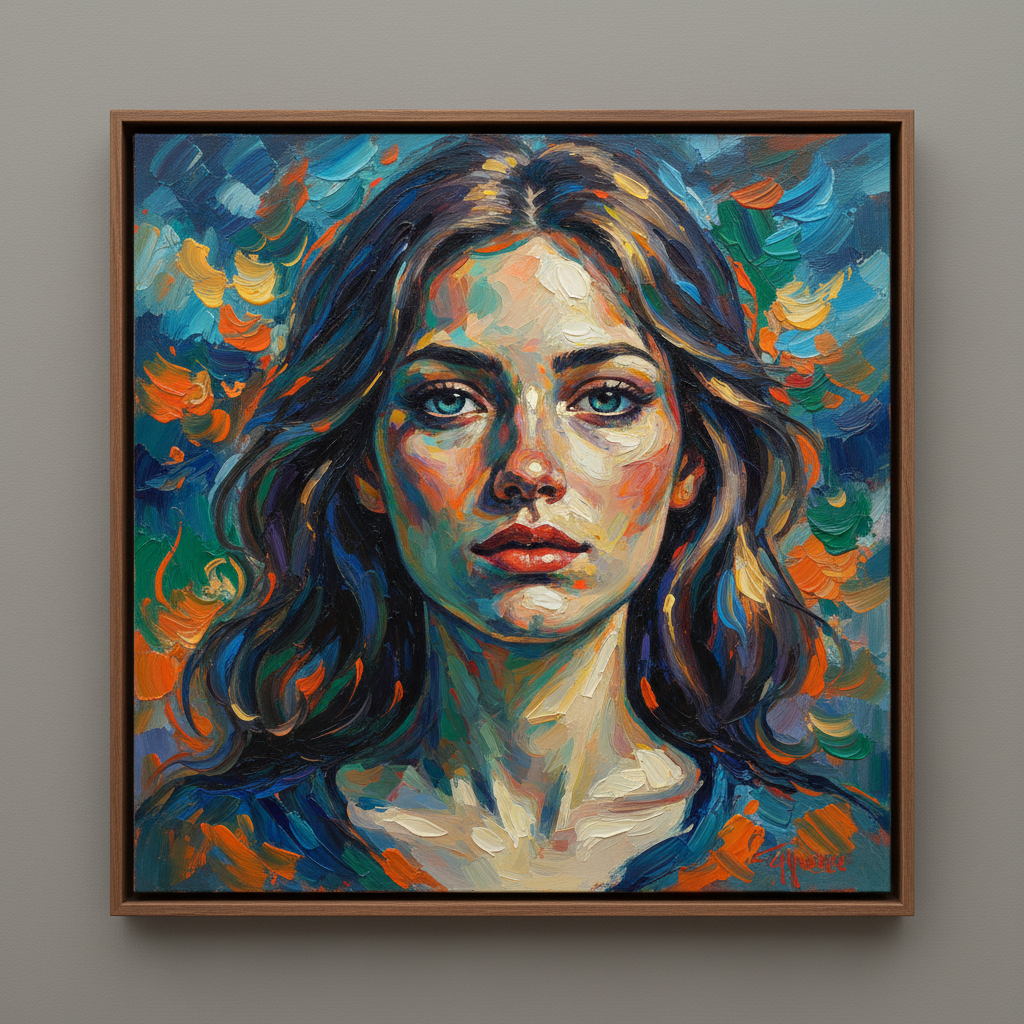
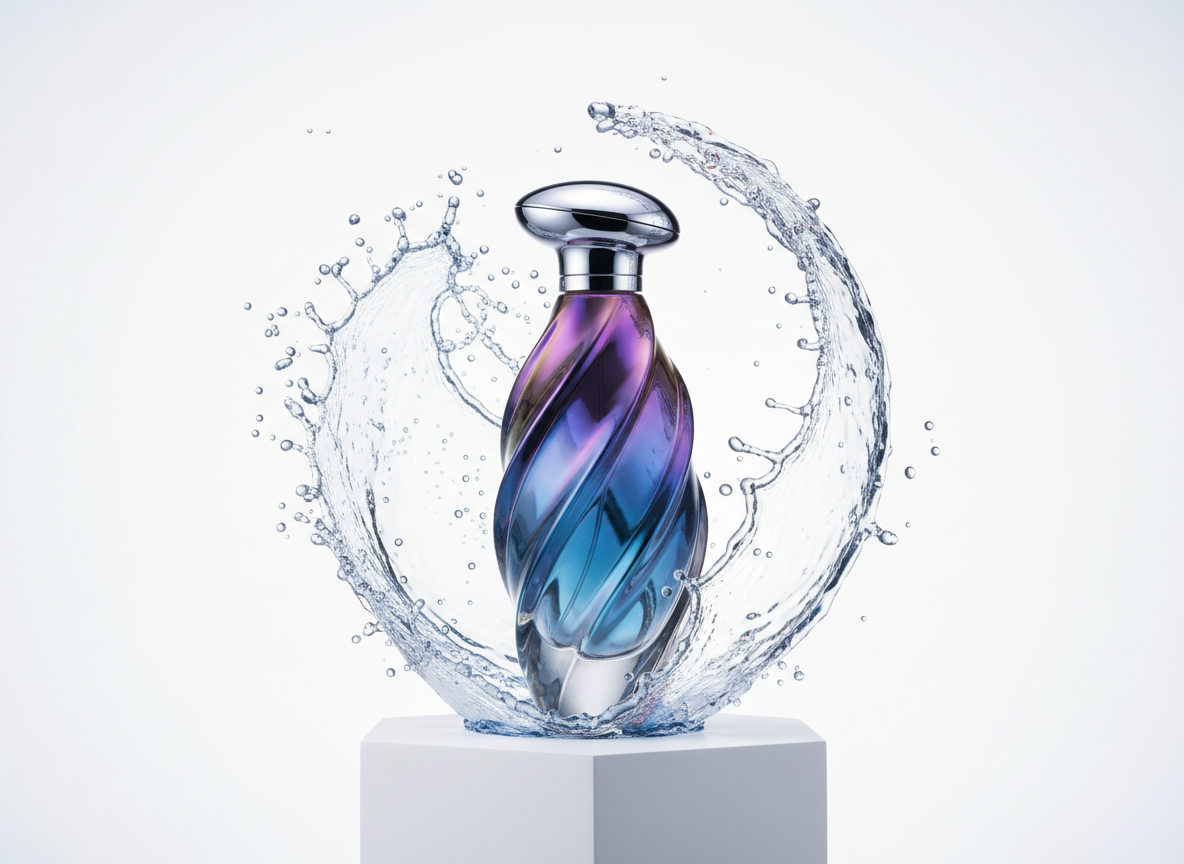
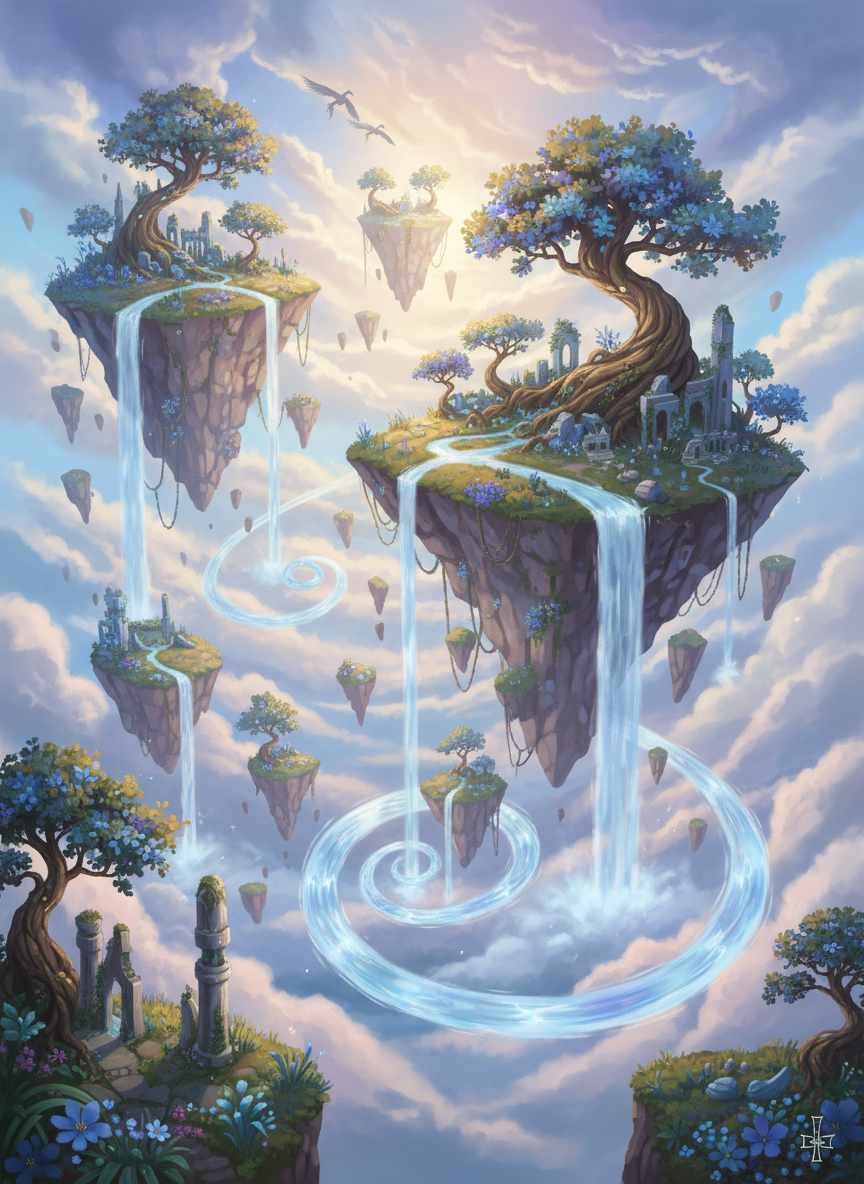
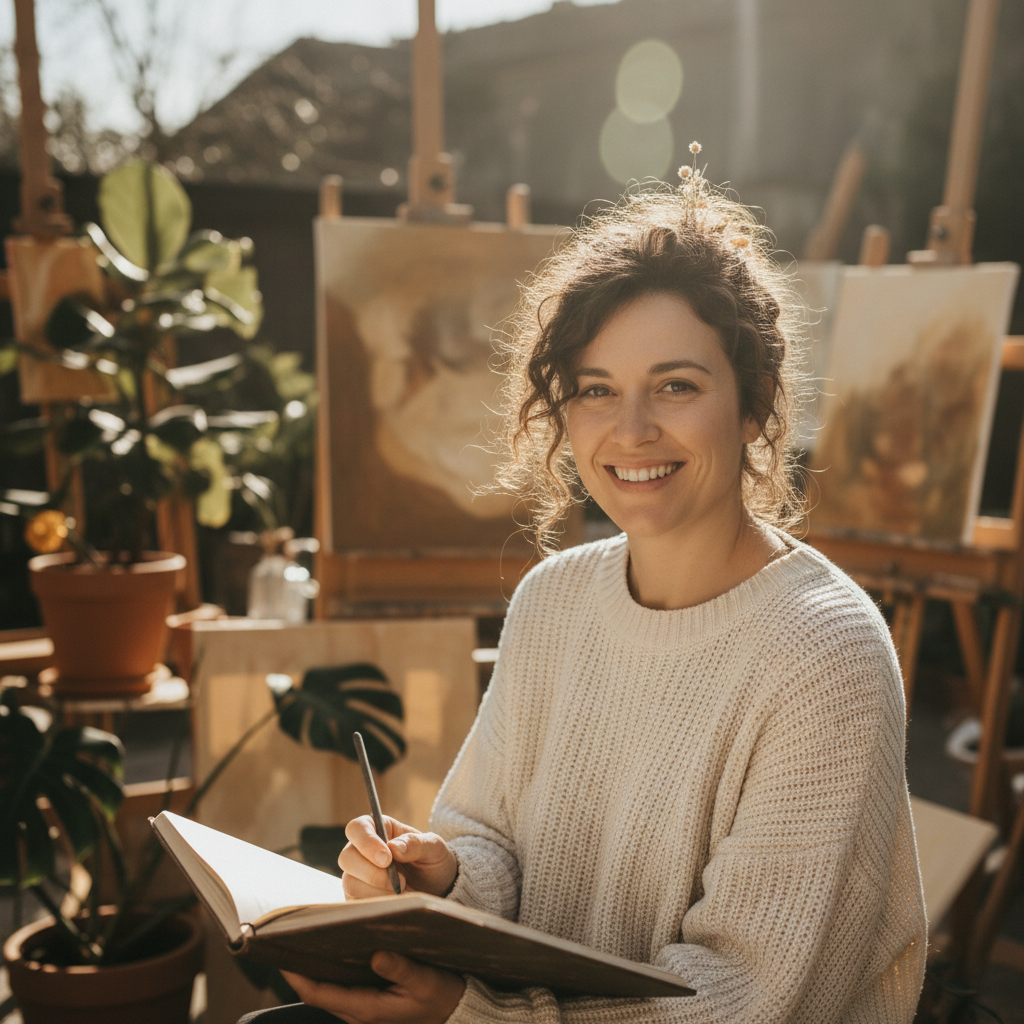
Free AI GLM Image Model lets you generate and edit images online in seconds. Create stunning visuals from text prompts or enhance existing photos with smart AI edits—fast, clean results with no complex tools needed.
Test the Free AI GLM Image Model in real time—generate images from text prompts, edit photos with AI, and refine visuals instantly.
Drag & drop or click to upload
JPG, PNG up to 10MBResult will appear here
Create stunning visuals in three simple steps.
Start by typing a description of the image you want to create. You can explain the scene, objects, colors, or style in simple words. If you already have an image, you can upload it directly to edit or improve it.
Click the Generate button to create your image. GLM-Image will process your prompt or uploaded photo and produce a high-quality result in a few seconds.
Once the image is ready, you can preview it and make changes if needed. Then download the final image and use it for personal or professional projects.
Why professionals and creators choose our model.
GLM-Image uses a smart system that combines two powerful AI technologies: an autoregressive generator and a diffusion decoder. This design helps the model understand your prompts better and creates high-quality, realistic images with clear details.
GLM-Image is specially designed to generate images with clear and accurate text. It performs very well in creating posters, banners, labels, and other visuals that require readable text. This makes it ideal for marketing and creative projects.
The model produces high-resolution images with fine details and realistic textures. It delivers professional-quality visuals. Even complex scenes and detailed prompts are converted into clear and visually appealing images.
GLM-Image is powered by advanced large AI models. It includes a 9B-parameter autoregressive model and a 7B-parameter diffusion decoder. This strong technical foundation helps the model understand complex descriptions.
With GLM-Image, you can perform both text-to-image generation and image-to-image editing using the same model. It supports tasks like photo editing, style transfer, and identity-preserving generation. There is no need for separate tools.
GLM-Image creates images quickly and efficiently. You can generate high-quality visuals in a few seconds. This makes it perfect for real-time creative work and fast content production.
"GLM-Image is amazing and very easy to use. I can create high-quality images in few seconds just by typing a simple description. It saves me a lot of time in my daily work."
"I use GLM-Image for social media content, and the results are fantastic. The AI understands my prompts perfectly and generates professional images quickly."
"This tool is so simple and powerful. I love how I can edit my photos and change styles without any design skills. GLM-Image makes creativity easy."
"GLM-Image helps me create product images and marketing visuals without hiring a designer. It’s fast, reliable, and gives great quality every time."
Got questions? We've got answers.
GLM-Image is an advanced AI image generation tool. It allows you to create new images by typing a text description. You can also upload existing photos and edit them using AI technology.
Yes, GLM-Image is completely free to use. You can generate and edit images without paying any money.
No, GLM-Image does not require any sign up or registration. You can start creating images instantly.
Type a clear description of what you want. After entering your text, click the Generate button, and the AI will create an image based on your words.
You can create many types of images like artwork, product photos, social media posts, illustrations, logos, and realistic pictures.
Yes, GLM-Image generates high-quality images with clear details and realistic visuals suitable for personal and professional use.
Yes, after generating an image, you can modify it, improve details, change colors, or apply new styles using AI editing tools.
Yes, GLM-Image is designed for both personal and professional use. It is great for designers, marketers, creators, and businesses.
Describe your image clearly with details like colors, objects, background, and style. The more detailed your prompt, the better the result.
Yes, GLM-Image supports many image-to-image features like editing photos, changing styles, improving quality, and keeping subject consistency.